Blog
How to run internal cloud security training with a ready-made slide deck
By Emmanuel Aigbehi Walstra — CISSP, CCSP, CEH, CCSE. Thirty-plus years in cybersecurity, Lead Cloud Security Trainer at TSTC since 2020, more than 10,000 people trained, and author of CCSP Excellence (2024).
Most organisations that run workloads in the cloud reach the same point. A few people really understand cloud security. Everyone else is learning it as they go, from incident reviews and vendor documentation. Sending everyone to a public course is expensive and hard to schedule. Building your own curriculum from scratch takes your best engineers away from their jobs for weeks.
A third option is to run the training yourself, using a professionally built slide deck as the base. This guide is for security managers and learning-and-development (L&D) leads who are weighing that option. It covers how to plan the program, how to adapt the material, how to deliver it, and the licensing points to check before you start.
Why run cloud security training in-house?
A well-run internal program has advantages that are hard to get any other way.
- Context. Your trainers can link every concept to your own environment: your landing zones, your identity provider, your logging pipeline and your contracts. A public course can't.
- Scheduling. You set the pace, for example one session a week, with nobody away from work for five days in a row.
- A shared vocabulary. When architects, developers, operations and GRC staff go through the same material, they leave with the same terms for shared responsibility, data lifecycle and risk treatment. That shows in design reviews.
- Developing your own people. Senior staff who teach sessions get a deeper understanding of the subject. You also build trainer capacity inside the team.
Writing a full cloud security curriculum yourself is the expensive part. A ready-made deck removes most of that cost, so your experts can spend their time adding local context.
Why use the CCSP outline as your curriculum frame
You need a structure that covers cloud security broadly and doesn't reflect one vendor's view. ISC2's CCSP exam outline is a practical choice. It is vendor-neutral, ISC2 reviews it regularly through job task analysis, and its six domains cover the whole picture:
- Cloud Concepts, Architecture and Design (17%)
- Cloud Data Security (20%)
- Cloud Platform and Infrastructure Security (17%)
- Cloud Application Security (16%)
- Cloud Security Operations (17%)
- Legal, Risk and Compliance (13%)
These are the domains and weights in the outline effective 1 August 2026. That version also adds objectives on AI and machine learning. If you want a summary of what changed, see what changed in the CCSP exam outline, domain by domain.
Using the outline does not commit anyone to sitting the exam. It gives you a tested structure for a cross-functional program. For staff who do want to certify, the same sessions are a good foundation. Under the current outline, ISC2 asks for five years of cumulative paid IT experience, three of them in cybersecurity and one in one or more CCSP domains, or an active CISSP instead. Anyone who passes without the experience can become an Associate of ISC2 while they build it up.
Step 1: Define audiences and outcomes
Don't train everyone on everything. Map roles to domains:
| Audience | Core domains | Lighter touch |
|---|---|---|
| Cloud architects | 1, 2, 3 | 4, 6 |
| Developers and DevOps | 4, 2 | 1, 5 |
| Cloud operations / SOC | 5, 3 | 2 |
| GRC, legal, procurement | 6, 1 | 2 |
| Security leadership | All, at overview depth | — |
For each audience, write two or three outcomes you can observe. For example: "Developers can threat-model a new API using STRIDE." Or: "Procurement can list the security clauses our cloud contracts must include." Outcomes like these tell you which slides to keep and how to measure success.
Step 2: Plan the schedule
I have found that short sessions spread over several weeks work better for working professionals than intensive blocks, because people have time to apply each topic before the next one. One option is roughly 90 minutes a week, about 60 minutes of presented material plus 30 minutes of discussion, applied to your own environment. With domain weights as a rough guide, give the heavier domains more sessions. Cloud Data Security usually needs the most time.
Plan sessions as modules that a role-based group can attend or skip. Then the same deck can serve a full program for a security team and a short track for procurement.
Step 3: Adapt the deck to your environment
A ready-made deck is a starting point, not a finished product. Good adaptation looks like this:
- Add your own architecture. After a generic slide on network segmentation, add a slide with your actual VPC or VNet design and ask: "Where are the gaps?"
- Link to your policies. When the deck covers data classification, show your classification scheme and your tagging standard.
- Use your own incidents. Sanitised post-mortems are the most engaging case studies you have.
- Cut what doesn't apply. If you have no on-premises data centre, cover data centre design quickly and spend the time on the provider's shared responsibility model.
- Mark local slides clearly, for example with a coloured corner. Then you can update the base deck later without losing your local material.
Editable PowerPoint files make all of this possible. A PDF-only deck is fine for self-study but hard to adapt for teaching.
Step 4: Prepare the facilitators
Slides don't teach. People do. For each module:
- Pick a facilitator who works in that domain day to day. Domain 6 works best with someone from GRC or legal, not a network engineer.
- Have them do a dry run with a colleague and write speaker notes in their own words.
- Prepare two or three discussion questions per session that need your own context to answer.
- Keep a "parking lot" of questions nobody could answer. Each one is a gap in your documentation or your controls.
Step 5: Add practice, because the deck won't do it for you
A slide deck is lecture material. Plan the practical parts yourself:
- Tabletop exercises for incident response and BC/DR, using your own runbooks.
- Design reviews where attendees critique a real (sanitised) architecture.
- Short knowledge checks at the start of the next session. A few questions to see what stuck works better than a long exam. Our 30 free CCSP practice questions with explanations show the scenario style that tests understanding rather than recall.
- Hands-on time in a sandbox account, if you have one. Treat it as a separate activity with its own guardrails.
Step 6: Measure and improve
Track a small set of indicators: attendance per module, knowledge-check results before and after each module, and a few operational signals you already collect. Examples are findings raised in design reviews, or how quickly cloud misconfigurations are fixed. Ask attendees after each session what they will do differently. Then review the deck every time ISC2 revises the outline, and whenever your own architecture changes significantly.
Check the licence before you present
This is where many internal programs go wrong. Before you build a program around any third-party deck, check:
- Who may present it. Is it licensed to the whole organisation, or to named individuals?
- Who may attend. Internal staff only, or contractors and customers as well?
- Whether you may adapt it, and who owns the adaptations.
- Whether it may go on your LMS or intranet, and on what terms.
For example, Sectutor's CCSP Slide Deck is licensed to one purchasing organisation for internal staff training. Staff may present it internally and adapt it for that training, and adaptations must stay inside the organisation. It may not be redistributed, resold or uploaded anywhere people outside the organisation can access it. It is not licensed to commercial training providers, schools or bootcamps, or for paid courses for outsiders. Those need a separate agreement. The full terms are on the licence page.
A ready-made option
If you want to start from an existing deck, Sectutor's CCSP Slide Deck is 916 slides, supplied as a PDF and an editable PowerPoint file, for $499 for internal training use. It is slides only, with no videos, classes, labs, trainer certification or exam vouchers, and sales are final.
That is why I would start with the free samples. About 50 slides are available to view and download, with no email or account needed. Look at them with the facilitators you have in mind and check that the depth and style fit your audience before you commit. Individual staff preparing for the exam on their own may find the CCSP Kit (a study book and question bank) a better fit than the deck.
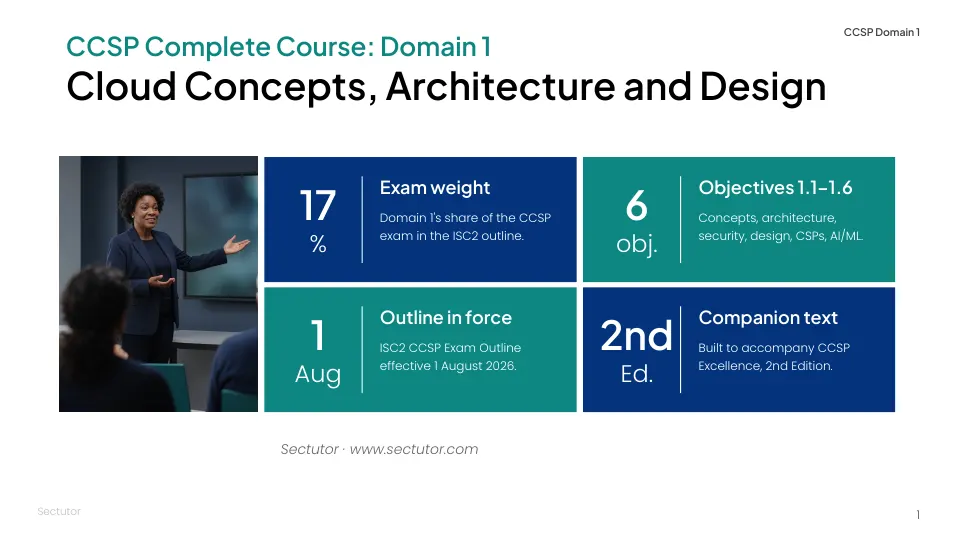
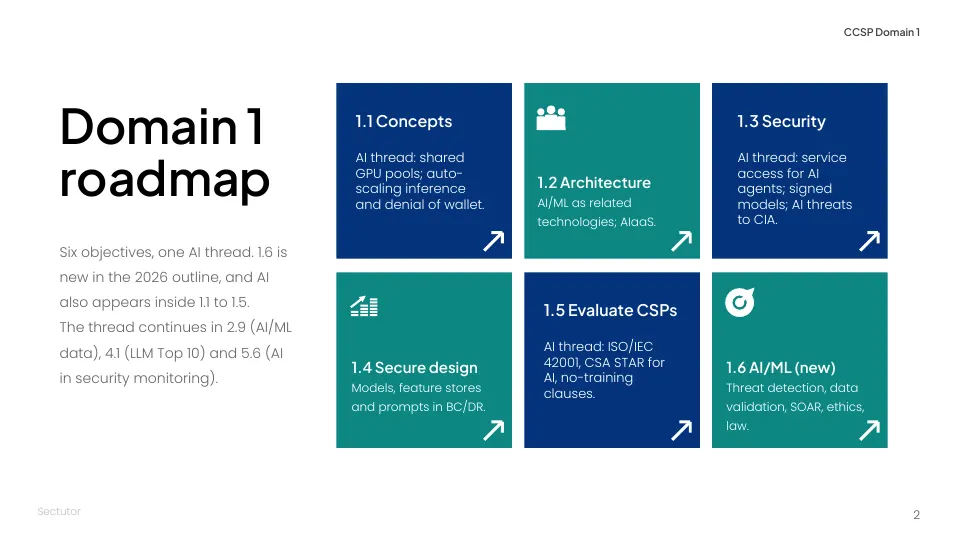
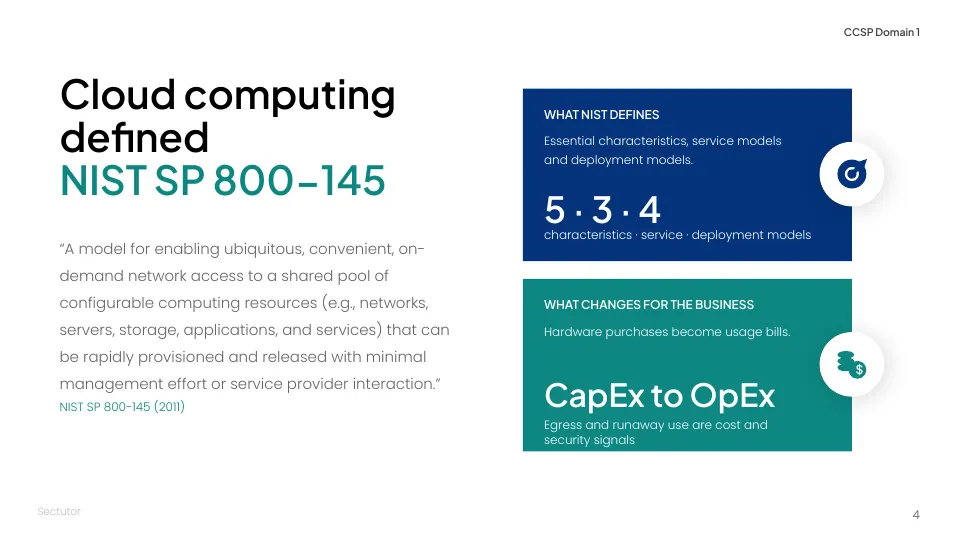
Three slides from the free sample (about 50 slides).
FAQ
Can we use the CCSP Slide Deck to train our own employees?
Yes. The licence covers internal staff training inside the purchasing organisation. Staff may present it and adapt the slides for that internal training.
Can a training company or bootcamp use the deck for paid courses?
No. The standard licence excludes commercial training providers, schools and bootcamps, and paid courses for people outside the purchasing organisation. Contact support@sectutor.com to ask about a separate commercial agreement.
Is the deck available in PowerPoint?
Yes. The CCSP Slide Deck comes as an editable PowerPoint file and as a PDF of the same 916 slides.
Does the slide deck include the study book or question bank?
No. The deck is a separate product. The 430-page study book and the 600-question bank are in the CCSP Kit.
Do we need people to sit the CCSP exam for this training to be useful?
No. The CCSP outline is a useful vendor-neutral frame for cloud security knowledge across roles. Certification is optional, and exam registration and fees are handled directly with ISC2.
CCSP and ISC2 are registered marks of ISC2, Inc. Sectutor (Intellfence) is not affiliated with, endorsed by, or sponsored by ISC2. The CCSP Slide Deck is training material, not official ISC2 courseware. Sectutor gives no warranty of exam results and does not publish a pass rate.